
OMR Scanning Software
Scan and grade 3,000 bubble-sheet answer sheets in under an hour using optical mark recognition, with automatic gradebook sync, per-question item analysis, support for negative marking, weighted scoring, multiple exam versions, and mobile phone capture. Exam controllers get results the same day. Faculty get question-level difficulty data to improve future papers.
OMR Scanning Software for Educational Institutions Benefits
Grade 3,000 Answer Sheets in Hours Instead of Days
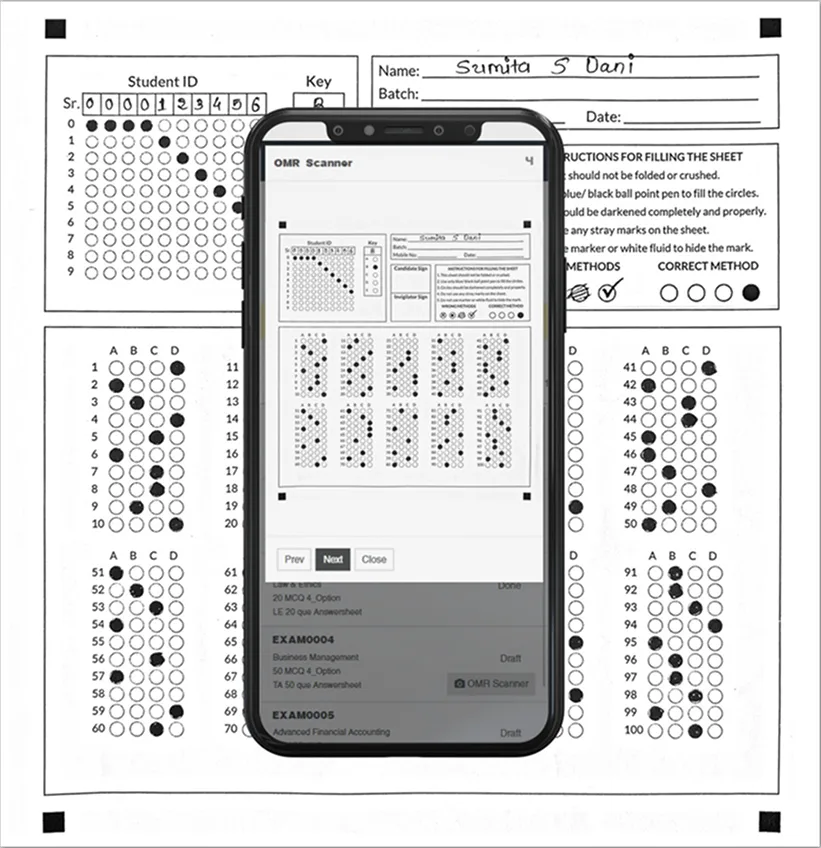
High-speed scanning with automatic mark detection replaces manual bubble counting. Your evaluators review flagged exceptions instead of inspecting every sheet.
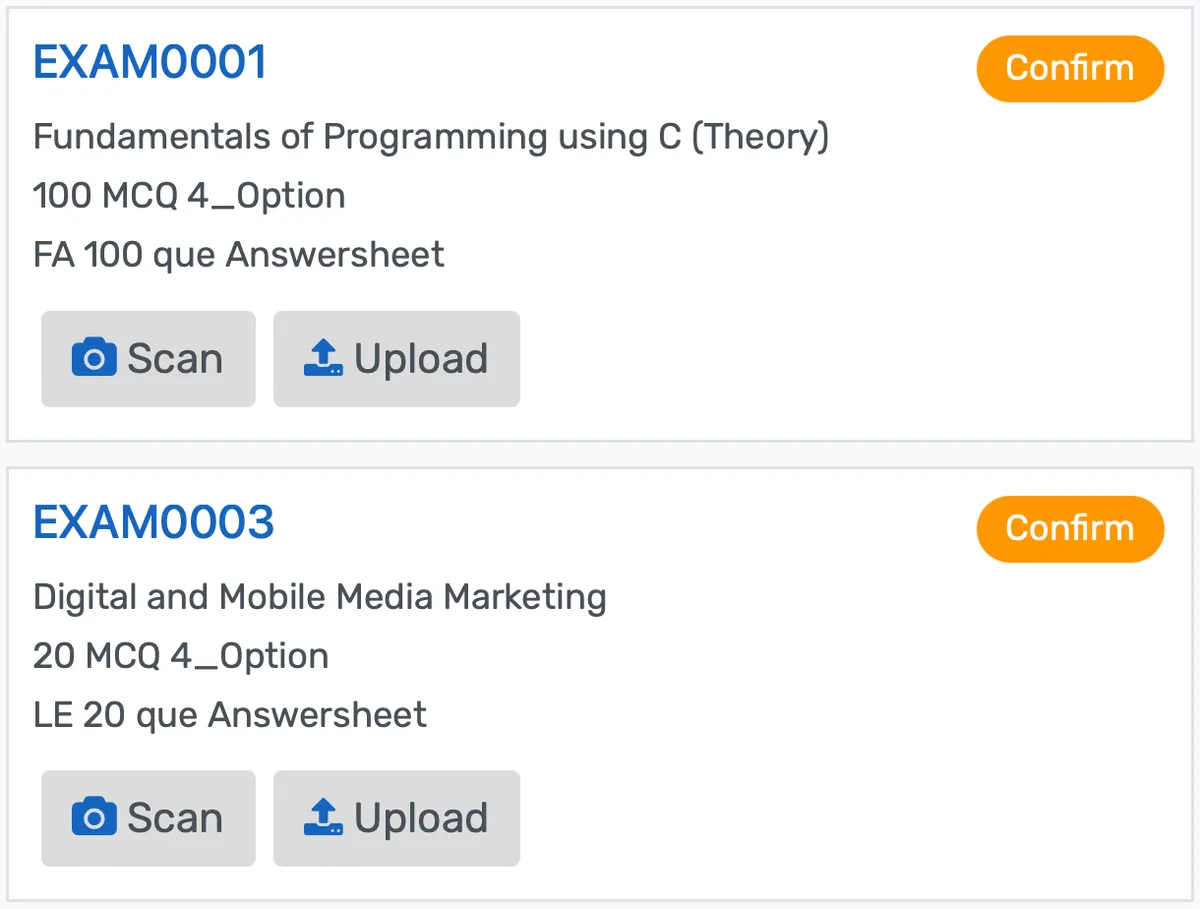
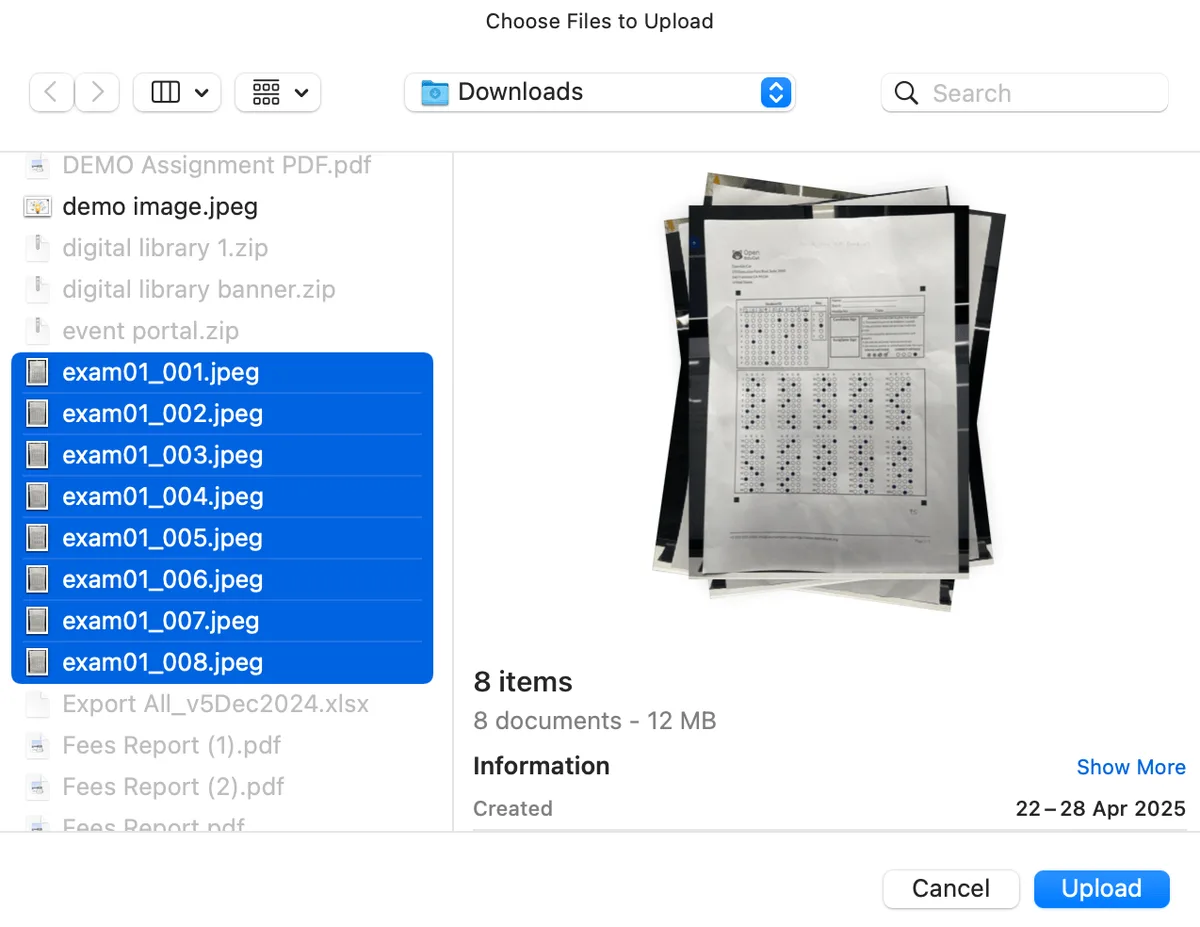
- Feed answer sheets through any TWAIN-compatible document scanner at up to 60 sheets per minute with batch processing
- Automatic skew correction, rotation adjustment, contrast normalization, and bubble detection handle imperfect scans without manual intervention
- Multiple exam versions with shuffled questions map to the correct answer key using version identifiers on each sheet
Eliminate Transcription Errors Between Grading and Gradebook
Scores write directly into the exam module and gradebook. No spreadsheet intermediary means no transposed digits, no broken formulas, no missing rows.
- Barcode-based student identification matches each scanned sheet to the correct student record without manual lookup
- Results sync to the gradebook automatically once scanning completes, with no CSV export or re-entry step required
- Per-student score breakdowns show which questions were answered correctly, which were answered incorrectly, which were left blank, and which were flagged for review
Improve Future Exams with Per-Question Item Analysis
Every scanned exam generates statistical data on question quality. Department chairs see which questions worked, which were too easy, which were too hard, and which had misleading options.
- Difficulty index for each question shows what percentage of students answered correctly, identifying items that were trivially easy or impossibly hard
- Discrimination index measures whether high-scoring students performed better on each question than low-scoring students did
- Distractor analysis reveals which wrong answers attracted responses and which were never selected, exposing poorly written options
OMR Scanning Software for Educational Institutions Funktionen
Alles, was Sie für eine effektive Verwaltung von omr scanning software for educational institutions benötigen
Scanner Support
Standard document scanners, high-speed feeders
Resolution
200-600 DPI supported
Batch Size
Hundreds of sheets per batch
Speed
Up to 60 sheets/minute with high-speed scanners
Advanced Analytics
Detailed omr scanning software for educational institutions analytics with custom report builder and data visualization
Workflow Automation
Configure automated rules for approvals, notifications, and status transitions
Audit Trail
Complete audit logging of all omr scanning software for educational institutions activities for compliance and accountability
Priority Support
Dedicated support team with SLA-backed response times
Häufig gestellte Fragen
Erhalten Sie Antworten auf häufige Fragen zu OMR Scanning Software for Educational Institutions
Any TWAIN-compatible document scanner works with the OMR module. Most institutions already own flatbed scanners or multi-function printers with document feeders that meet this requirement. For high-volume processing (more than a few hundred sheets per batch) a dedicated document scanner with an automatic document feeder is recommended, as these handle 40 to 60 sheets per minute. The module also supports a mobile phone camera capture option for remote locations or campuses without dedicated scanning hardware.
Speziell für Ihren Einrichtungstyp entwickelt
Erfahren Sie, wie diese Funktion für Ihre spezifische Einrichtung funktioniert
Integrationen, Vergleiche & Tools
Erweitern Sie OMR Scanning Software for Educational Institutions mit Integrationen, sehen Sie unsere Vergleiche und berechnen Sie Ihren ROI
Verwandte Funktionen

Admission Management
Student registration software that handles online applications, automated reviews, merit lists, and enrollment conversion. Your admissions office processes more registrations with fewer staff hours and fewer errors.

Student Management
Student information system software that keeps every record (academics, health, contacts, documents) in one place. SIS for K-12 schools and universities that gives staff accurate student data instantly and makes reporting effortless.

Course Management
Effortlessly create, organize, and manage courses with a user-friendly platform that streamlines content delivery, tracks progress, and enhances the learning experience for students and educators.

Financial Management
Set up fee structures once, auto-generate invoices at enrollment, accept payments via cash, bank, or online gateways, apply discounts automatically, and reconcile seamlessly - speeding up book closure with fewer errors and calls.

Examination System
Schedule hundreds of exams across multiple rooms without conflicts, generate student hall tickets, and publish verified results in days providing exam controllers smooth logistics and registrars audit-ready records efficiently.

Faculty Management
Manage faculty profiles, balance workloads, coordinate substitutions, track credentials, and conduct performance reviews, freeing department heads from administrative tasks to focus on supporting and empowering teaching staff effectively.
Weitere Strategic Capabilities Funktionen
Weitere Funktionen in dieser Kategorie erkunden
Bereit, Ihre OMR Scanning Software for Educational Institutions zu transformieren?
Erfahren Sie, wie OpenEduCat Zeit freisetzt, damit jeder Studierende die Aufmerksamkeit erhält, die er verdient.
15 Tage kostenlos testen. Keine Kreditkarte erforderlich.