
Course Discussion Board
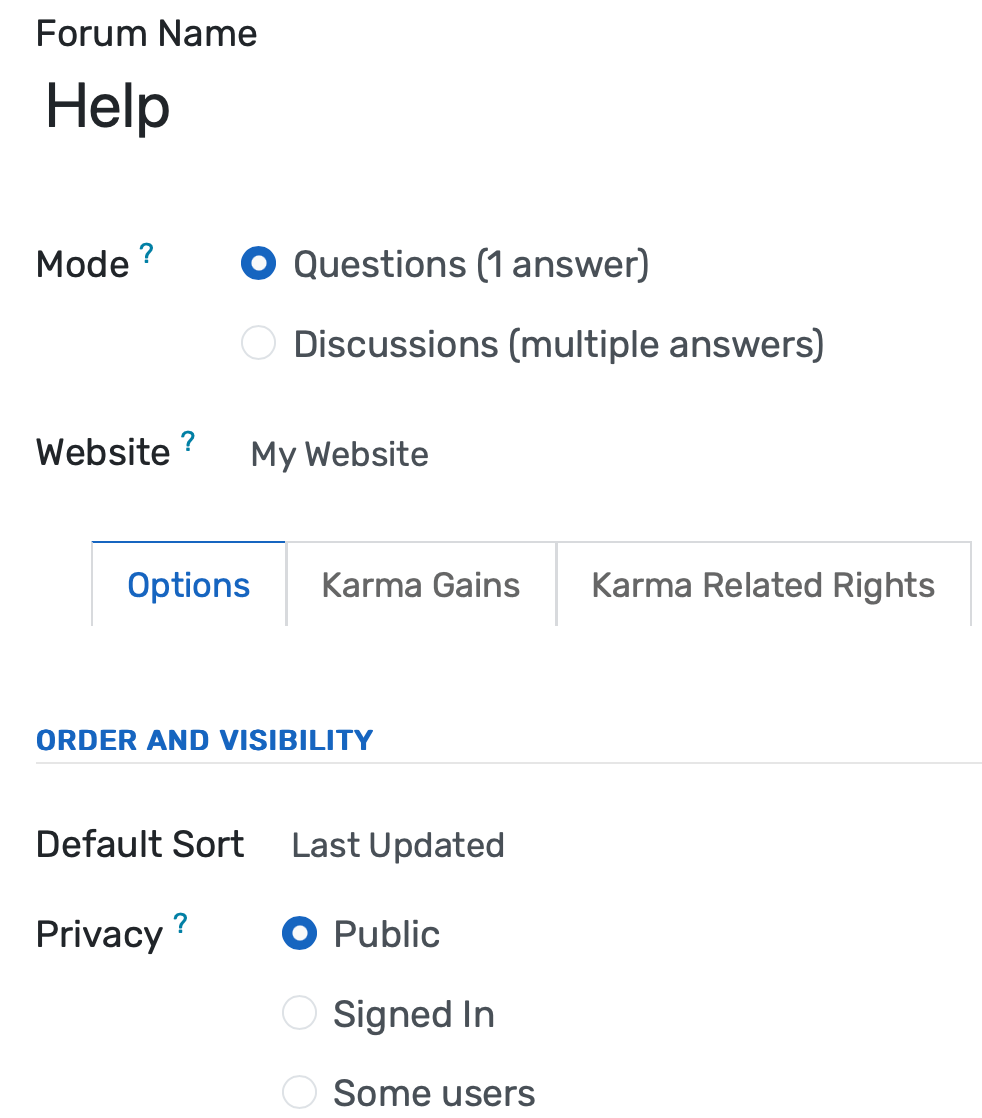
Give every course its own persistent discussion board, auto-created at enrollment and archived for future cohorts. Faculty answer a question once and all 180 students see it. Participation data is logged and exportable for accreditation documentation.
Discussion Forums Benefits
Faculty Time Saved at Scale
One faculty response reaches every enrolled student simultaneously. Searchable thread archives mean returning students find answers before posting duplicate questions, and semester-start email volume drops measurably from year one.
- Faculty post one answer per question; all students in the section see it immediately, a question asked by 40 students requires one response instead of 40
- Students search existing threads before posting, so repeated questions decrease as the semester progresses and the archive grows
- Pinned threads for syllabus questions, exam coverage, and assignment requirements absorb the highest-volume repetitive inquiries before they reach email
Active Learning Evidence for Accreditation
Participation data, posts per student, response rates, thread quality indicators, weekly engagement patterns, is logged automatically and exportable for HLC, SACSCOC, and regional accreditor documentation requirements.
- Participation dashboard tracks posts per student, responses given, threads started, and weeks of active engagement for every enrolled section
- Export participation reports to PDF or spreadsheet and attach directly to accreditation self-study documents. No manual compilation from faculty survey anecdotes
- Thread archives provide reviewers with verifiable evidence of academic discourse quality, not just satisfaction survey scores
Persistent Course Knowledge That Builds Year Over Year
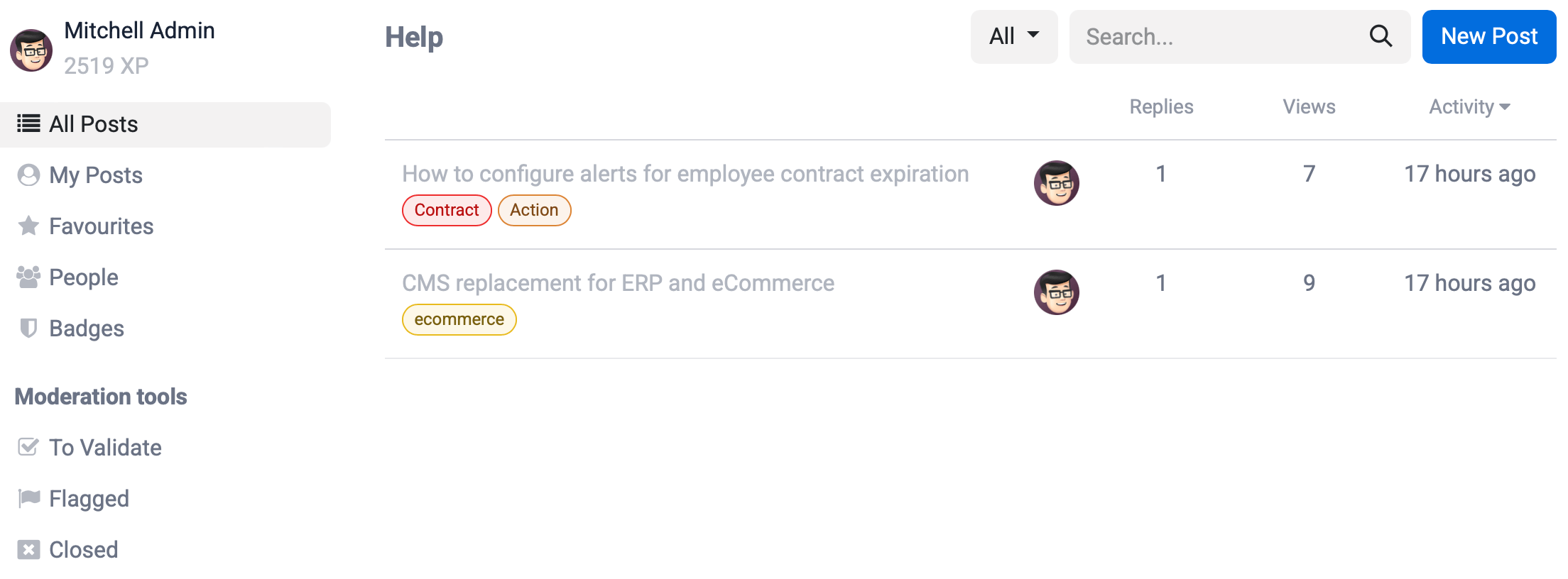
Discussion archives carry forward across cohorts rather than deleting at semester close. The course forum accumulates the best explanations, common misconceptions, and faculty clarifications from every prior semester, improving with each year rather than starting from zero.
- Instructors mark exemplary threads from prior cohorts as visible to incoming students, a student in Fall 2025 can read the clearest explanation of a difficult concept posted by a Fall 2023 peer
- New faculty taking over an existing course inherit a searchable record of every question prior students asked and every explanation that resolved confusion
- First-generation students without established peer study groups access the same peer-generated explanations that well-connected students get through informal study networks
Discussion Forums Features
Everything you need to manage discussion forums effectively
Core Management
Essential discussion forums management capabilities
Student Portal
Self-service portal for students to access information
Basic Reporting
Standard reports and data export functionality
Role-Based Access
Configure user permissions and access levels
Advanced Analytics
Detailed discussion forums analytics with custom report builder and data visualization
Workflow Automation
Configure automated rules for approvals, notifications, and status transitions
Audit Trail
Complete audit logging of all discussion forums activities for compliance and accountability
Priority Support
Dedicated support team with SLA-backed response times
Frequently Asked Questions
Get answers to common questions about Discussion Forums
Course discussion forums are LMS-integrated boards scoped to a single enrolled course, accessible only to students registered in that section and the assigned faculty. They auto-create with each course and archive at semester end with configurable cross-cohort visibility. Community Forums are campus-wide spaces open to the full institution: student organizations, alumni, topic interest groups, and administrative announcements. The two systems serve different purposes and operate independently, though both are within the same platform.
Built for Your Institution Type
See how this feature works for your specific institution
Integrations, Comparisons & Tools
Extend Discussion Forums with integrations, see how we compare, and calculate your ROI
Related Features

Community Forums
A persistent, searchable forum platform where faculty answer course questions once and all students benefit, peer study networks form across sections and cohorts, and alumni retain forum access after graduation to mentor current students. Campus community engagement moves from individual email threads to a shared institutional knowledge base that grows with each cohort.

Blog & News Management
Create, manage, and publish faculty research, student stories, and institutional updates from one platform with streamlined workflows, automated author credentials, and built-in analytics to track engagement and inquiry-driven outcomes.

Notice Board & Announcements
Publish targeted announcements to specific courses, departments, batches, faculty groups, and parent audiences with scheduled publication dates, automatic expiration, priority levels, per-student read-receipt tracking, circular management with formal numbering, and a searchable archive that proves who saw what and when.

Learning Management System
Cloud-based learning management system for schools and universities. Build courses with video, quizzes, and forums. Track student progress in real time. Issue certificates. One LMS platform connected to your student records, gradebook, and enrollment. No syncing or duplicate entry.

Helpdesk & Support Tickets
Manage IT requests, student affairs inquiries, and facilities tickets from a single system with automated routing, SLA timers, and real-time queue visibility. Support staff and administrators can monitor response times and workload across all departments without toggling between separate tools.

WhatsApp Integration
Send fee reminders, attendance alerts, and exam notifications to parents and students via WhatsApp Business API. Automated templates with read-receipt tracking achieve 95%+ open rates — compared to under 20% for institutional email.
More Engagement & Outreach Features
Explore other features in this category
Ready to Transform Your Discussion Forums?
See how OpenEduCat frees up time so every student gets the attention they deserve.
Try it free for 15 days. No credit card required.